Baseball App Download: What You Get + How to Start Your First Team
Baseball walk up songs: A quick “after you download” guide to setting your first team’s walk-up songs in the Baseball Walk-Up Songs app.
Patrick Taylor
Getting the baseball app is only the first step. The real win is what happens right after: building a team roster, assigning walk-up songs, and having music ready when the moment hits. Here is what to expect and how to start your first team quickly.
What you get after you download
- A simple way to create a team roster
- A fast song picker (so you don't waste time searching)
- The ability to preview tracks before assigning them
- A repeatable workflow for game-day updates
Your first team in 10 minutes
- Download the app and open it for the first time.
- Create or open your team roster.
- Tap each player and choose their walk-up song.
- Preview before you commit so the intro matches your vibe.
- Assign and move on—build the lineup you want for game day.
How to add these to your team in the app
Open your team roster.
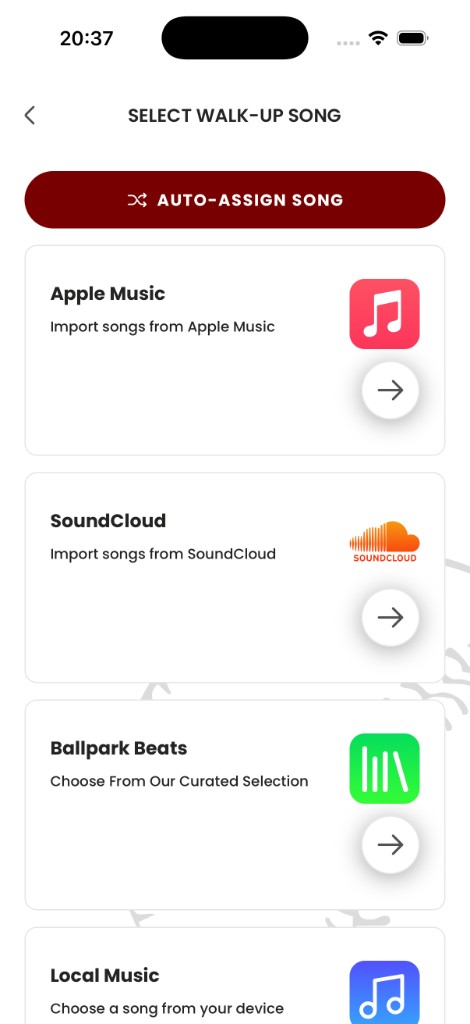
Tap a player and choose Select walk-up song.
Use Pros Playlist to find songs that already match real walk-up energy.
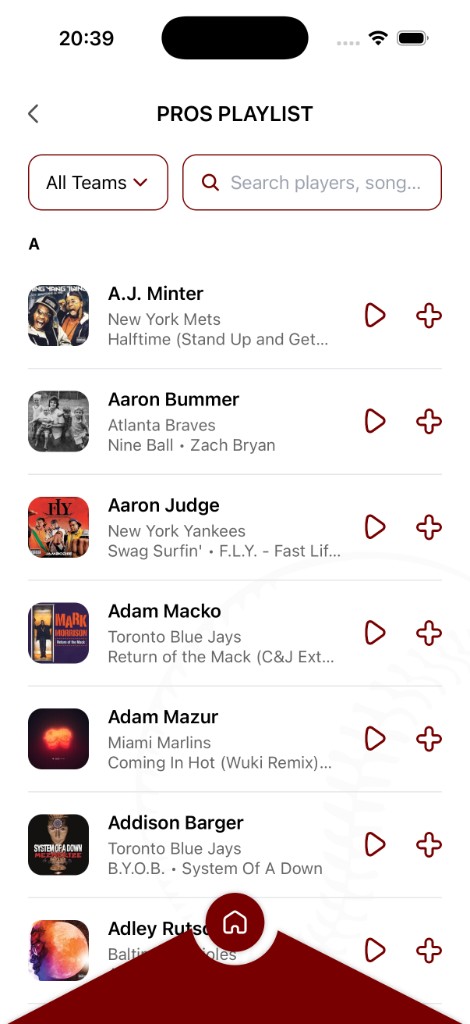
Preview and tap + to assign.
Once you set your first few players, everything gets faster—because you are reusing the same proven “walk-up sound” for every game.
Ready to bring your walk-up songs to life?
Download the Baseball Walk-Up Songs app and take your team's game-day experience to the next level.
Get the app